The best CRM for study-abroad agencies in Bangladesh: a 2026 buyer’s guide
Spreadsheets and personal WhatsApp got your agency this far. Here are the nine things a CRM must do for a Bangladeshi study-abroad consultancy, and how to test them before you pay.
By Next Lead team, DigitOS · · 9 min read
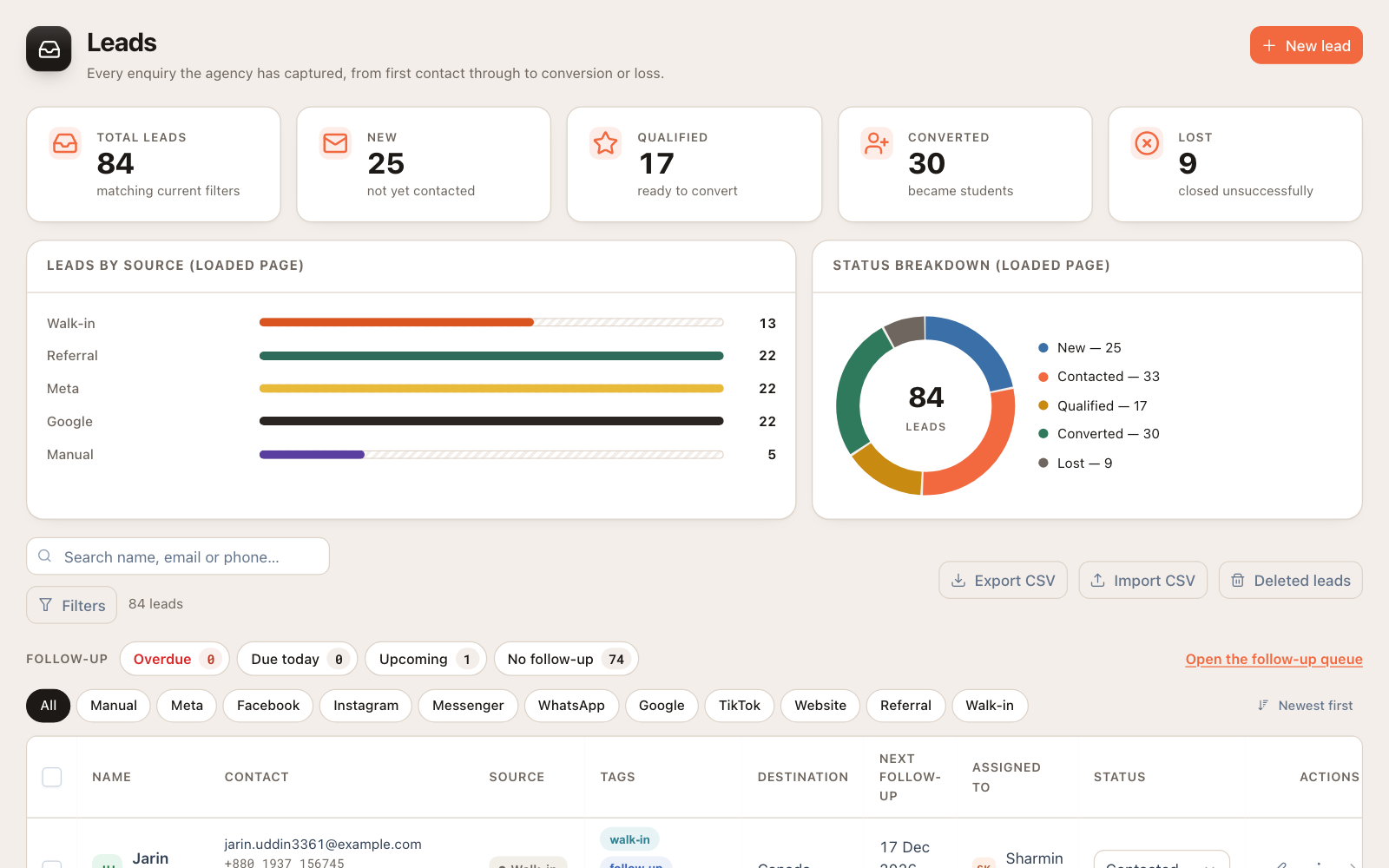
Most study-abroad agencies in Bangladesh run on the same stack: Facebook ads that bring in enquiries, a Page inbox nobody fully owns, counsellors answering students from their personal WhatsApp, and an Excel file that was accurate the day it was made. It works while the agency is small. It breaks the moment you add a second counsellor, a second branch, or a busy intake season.
A CRM (customer relationship management system) fixes that by putting every lead, student, application, document and payment in one place your whole team works from. But a CRM built for selling software in the US is not the same as one built for sending students from Dhaka, Sylhet or Chattogram to the UK, Canada, Australia, Malaysia or Germany. This guide covers what to look for, what to avoid, and how to test a system before you commit.
Why a generic CRM falls short for a study-abroad agency
Generic sales CRMs think in “deals” that close once. Your work does not close once. A lead becomes a student, the student has several applications at different universities, each application moves through its own stages, each stage depends on documents that expire, and money arrives in instalments from the student while commission arrives months later from the university.
You can force that into a generic CRM with custom fields and workarounds, but someone has to build and maintain them, and pricing is usually per user in US dollars. For a growing Bangladeshi agency, a CRM designed around the study-abroad journey, priced in BDT, is usually cheaper to run and far quicker for counsellors to adopt.
Nine things your CRM must do
1. Capture leads automatically from every channel
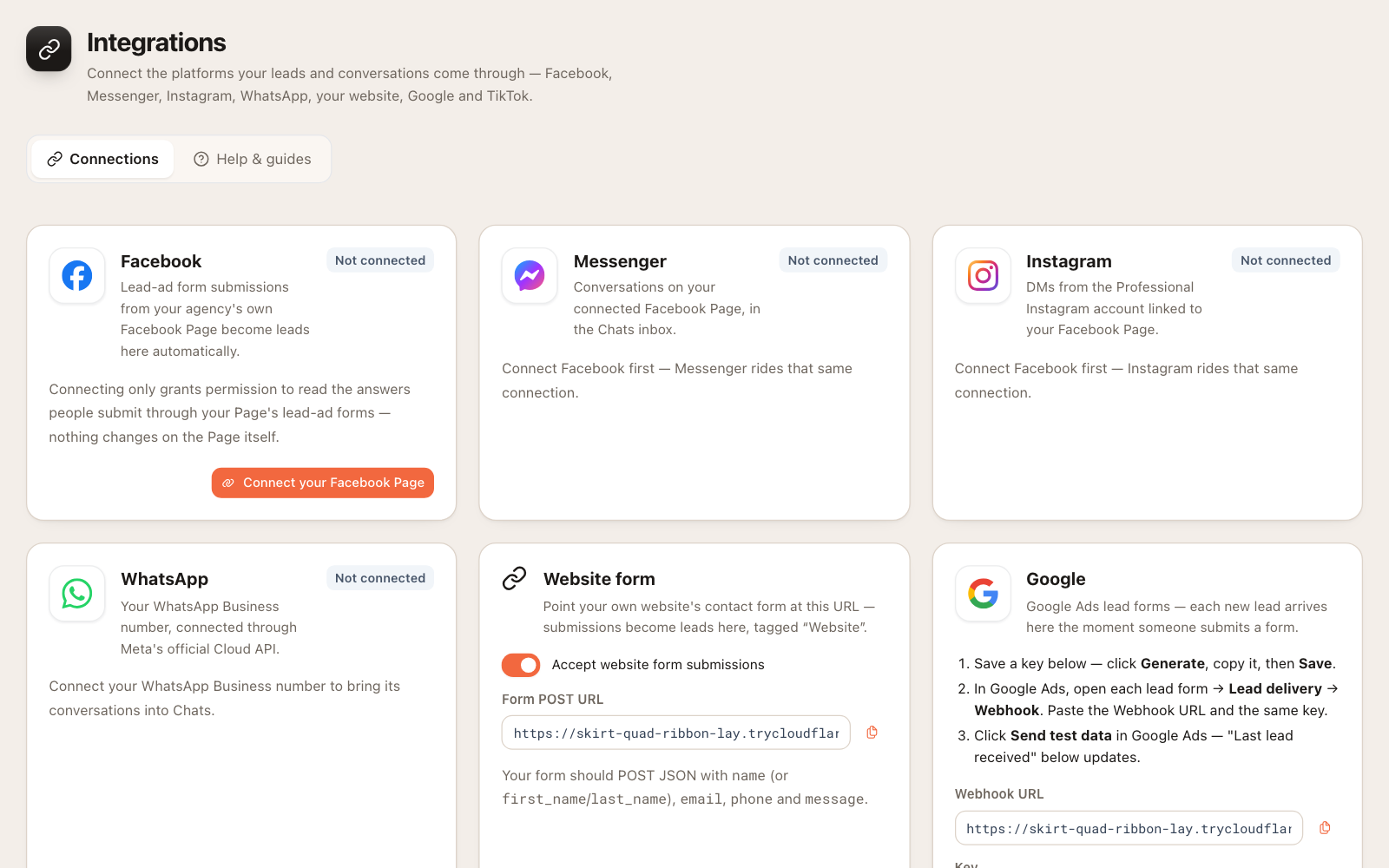
If a counsellor has to download a Facebook lead form CSV every few days, leads are already going cold. Your CRM should pull Facebook and Instagram lead ads in automatically the moment a student submits, along with Google Ads lead forms, your website enquiry form and walk-ins your front desk logs. Every lead should show its source, so you know which ads actually produce students.
2. Make follow-ups impossible to forget
Most lost students were not lost to a competitor’s better offer. They were lost because nobody called back on Thursday. Look for a next follow-up date on every lead, reminders that reach the counsellor even when the CRM is closed, and overdue follow-ups flagged in red where a manager can see them. Automatic assignment to the counsellors who take new leads stops enquiries sitting unowned.
3. Track applications by stage, not by memory
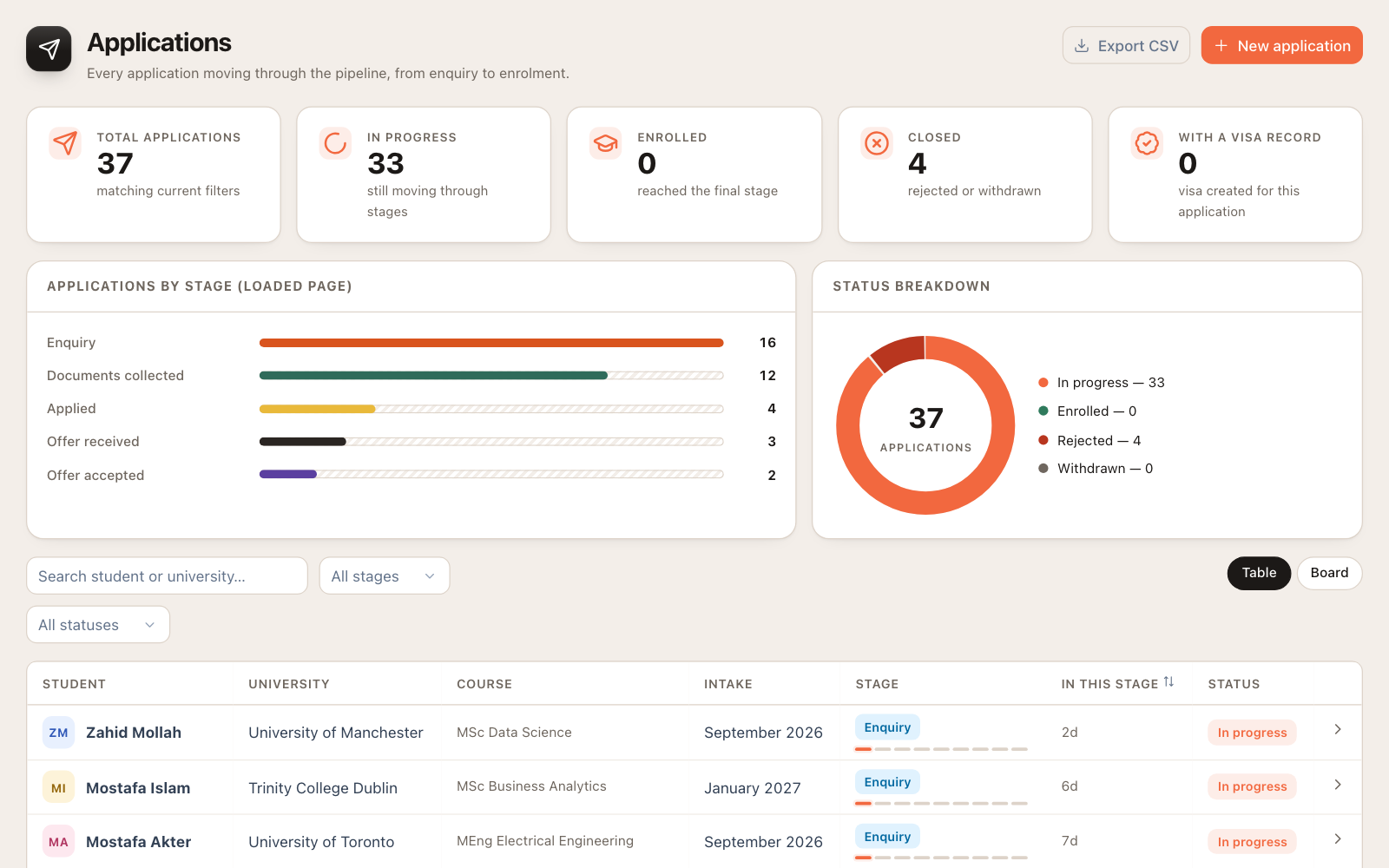
Each application should have its own university, course, intake and stage: enquiry, documents collected, applied, offer received, offer accepted, visa and enrolment. A board view lets you see at a glance what is stuck, and how long each application has sat in its current stage.
4. Track documents and their expiry dates
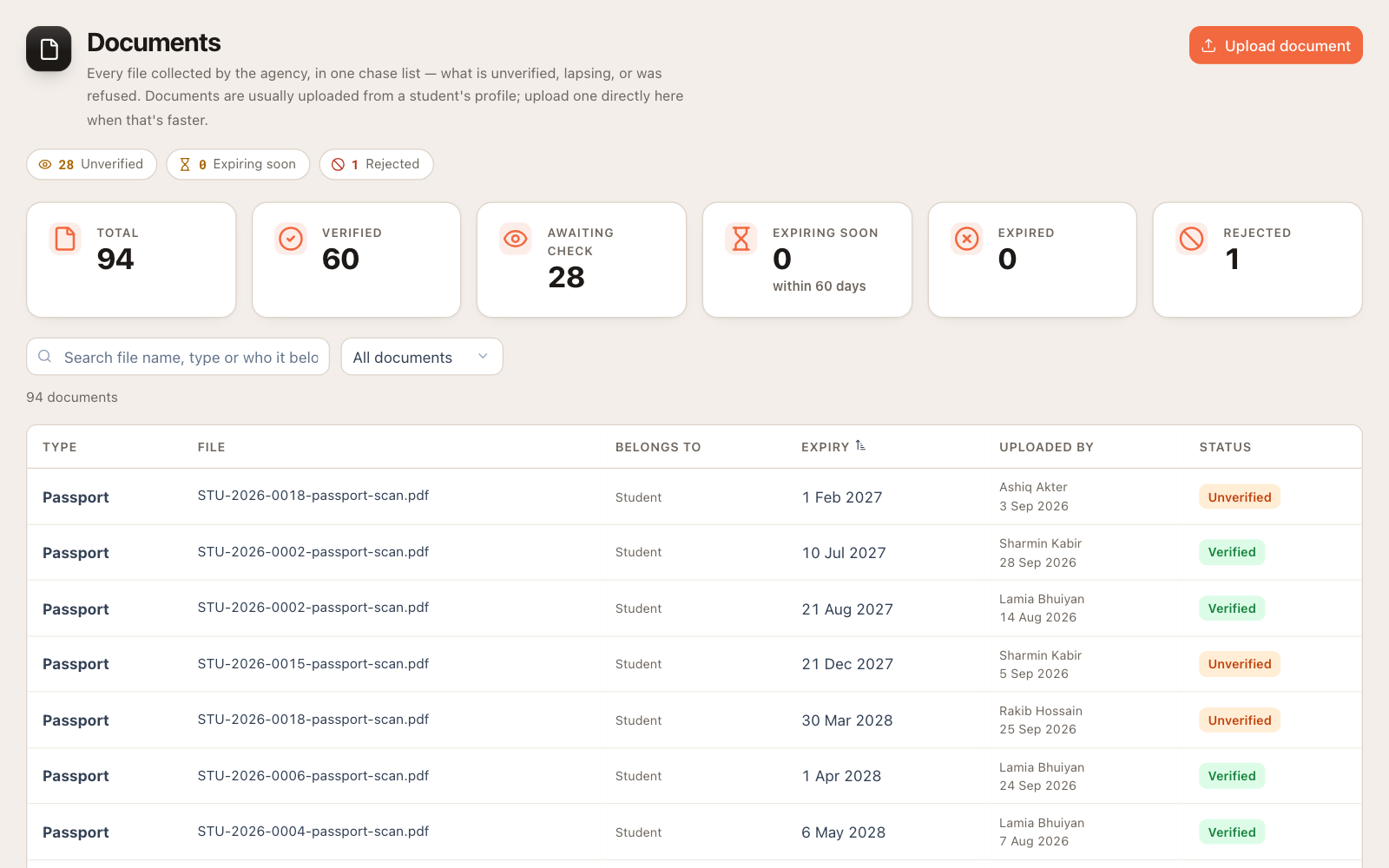
A passport that expires before the visa decision, or an IELTS result older than two years, can sink an application late. Your CRM should hold each student’s documents with expiry dates and verification status (unverified, verified, rejected), and warn you before something lapses rather than after.
5. Record payments in BDT, the way students actually pay
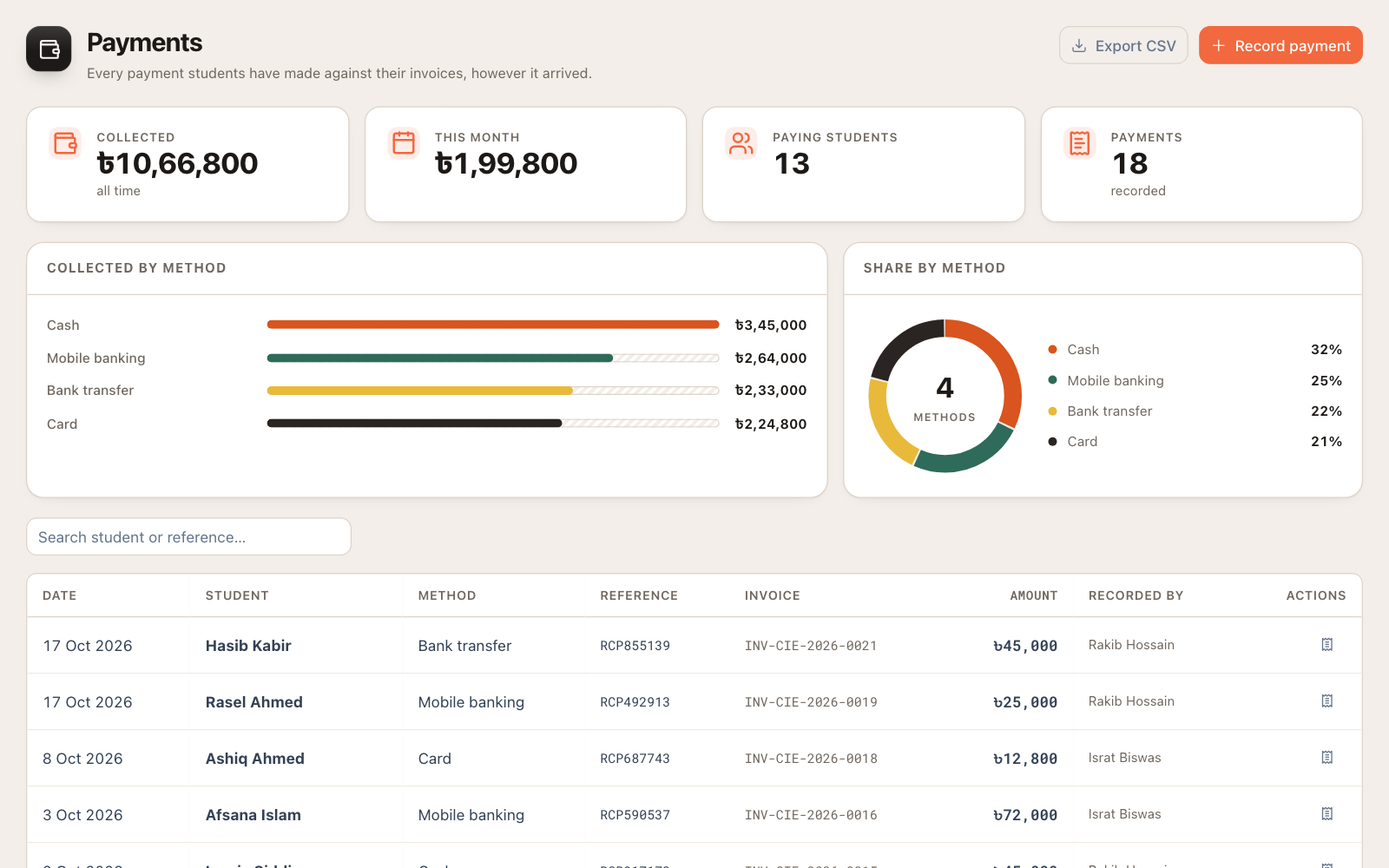
Students pay service charges in instalments by bKash, Nagad, bank transfer, card or cash. The CRM should record each payment against an invoice in taka, issue receipts, and show what is outstanding without anyone reconciling a spreadsheet at month end. If you earn commission from universities, it should be tracked too, visible only to the owner and the finance team.
6. Give each role exactly the access it needs
A counsellor needs leads and students. A finance manager needs invoices and payments. HR needs attendance and leave. Nobody except the owner needs to see salaries or commission. Role-based permissions protect sensitive information and keep the screen simple for each person. Exports of student data should need an admin’s approval.
7. Run the office, not just the pipeline
Agencies with more than a handful of staff spend real time on attendance, leave and salaries. A CRM that also handles check-in and check-out, leave requests and approvals saves you a second tool, and keeps everything about your team in the same place as the work they do.
8. Keep student data secure, and yours
You are holding passport scans, academic records and family financial documents. Ask any vendor how your data is separated from other agencies’ data, how often it is backed up, whether restores are tested, whether there is an activity log of who did what, and how you get all your data out if you leave. Your data should always remain yours.
9. Local support, local pricing
Pricing in BDT, a support team that answers on a Bangladeshi working day, onboarding that understands how agencies here work, and a team that can help you move your existing Excel data in. These matter more in month three than any feature list.
Spreadsheets vs a generic CRM vs a study-abroad CRM
| What you need | Excel + WhatsApp | Generic sales CRM | Study-abroad CRM |
|---|---|---|---|
| Leads from Facebook and Google | Manual download | Usually, via add-ons | Automatic |
| Follow-up reminders | Memory | Yes | Yes, with overdue flags |
| Applications by university and stage | Separate sheet | Custom setup needed | Built in |
| Document expiry tracking | No | Custom setup needed | Built in |
| Payments and invoices in BDT | Separate sheet | Often USD-first | Built in |
| University commission | Separate sheet | Custom setup needed | Built in, restricted |
| Attendance and leave | Separate tool | No | Built in |
| Pricing | Free, but costs leads | Per user, usually USD | BDT |
How to test a CRM before you commit
- Ask for a demo on your own workflow. Bring three real (anonymised) cases: a fresh Facebook lead, a student with two applications, and a student who pays in instalments. Watch how each is handled.
- Check how leads arrive. Submit a test lead from your own Facebook lead form and time how long it takes to appear and get assigned.
- Ask about moving your data. You should be able to import your existing leads and students from a CSV or Excel file without retyping.
- Ask the security questions above and expect clear answers, not jargon.
- Check what counsellors think. If the people who use it every day find it slow, adoption will fail no matter what the owner thinks.
Where Next Lead fits
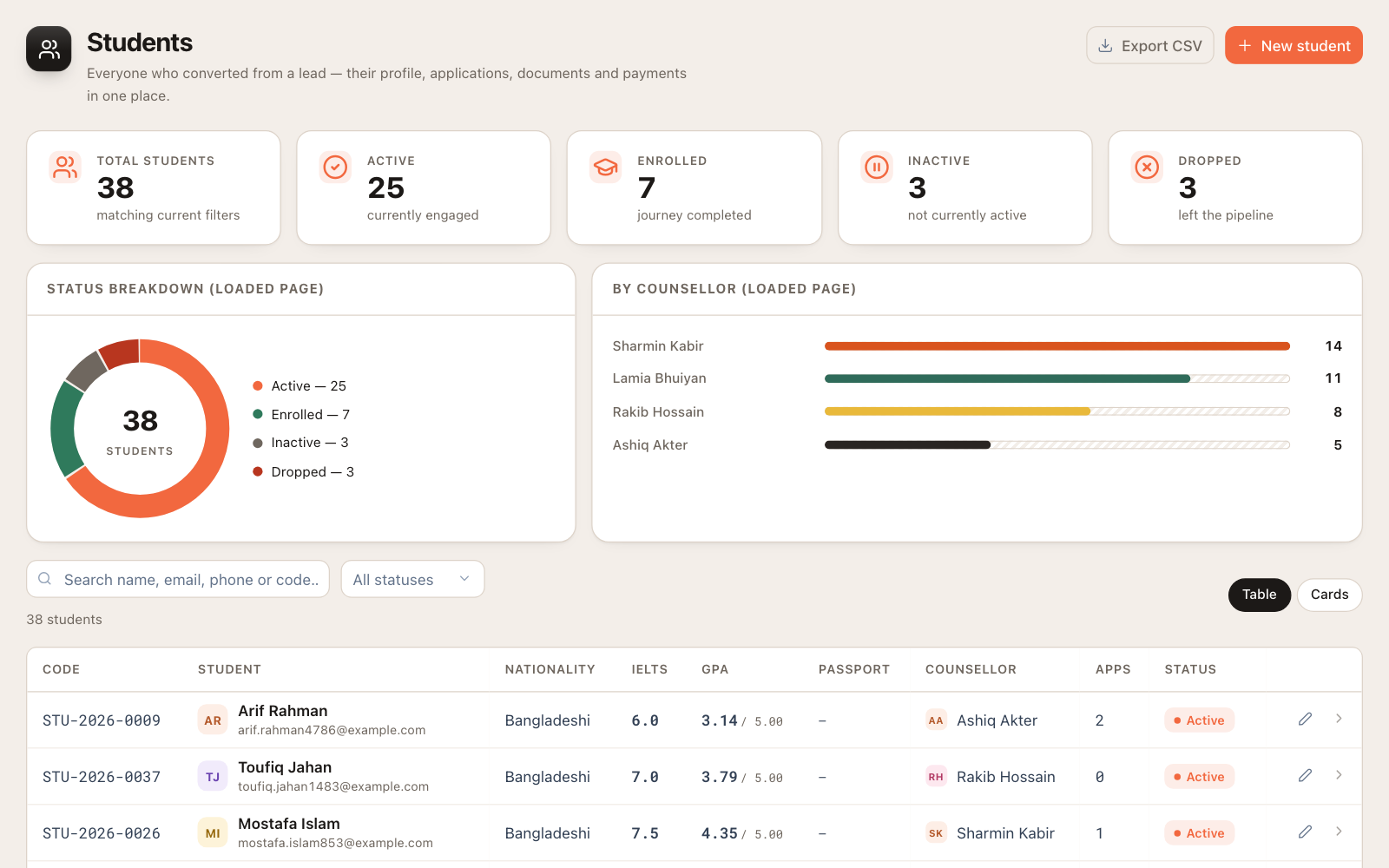
We built Next Lead specifically for study-abroad agencies in Bangladesh. It brings in leads from Facebook and Instagram lead ads, Google lead forms and your website automatically, assigns them to counsellors, and keeps follow-ups on time. It also tracks applications by stage, documents with expiry, payments and invoices in taka, university commission, and your team’s attendance and leave, with role-based access for every person in the agency.
If you would like to see it on your own pipeline, book a demo or see pricing. Next, read how to manage Facebook and WhatsApp leads without losing students.
Frequently asked questions
Is a CRM worth it for a small agency with two or three counsellors?
Usually yes. Small agencies feel lost leads the most, because every student counts. A CRM priced for Bangladeshi agencies typically pays for itself if it saves even one or two students a month that would otherwise have gone cold.
Can we move our existing Excel data into a CRM?
A good CRM lets you import leads and students from a CSV or Excel file. Clean up duplicate phone numbers first, and decide which columns map to which fields before you import.
Is student data safe in a cloud CRM?
It can be safer than spreadsheets on personal laptops, provided the vendor separates each agency’s data, backs it up, tests restores, controls who can see documents, and lets you export everything. Ask for these specifically.
Do counsellors need training?
A CRM built for study-abroad work should feel familiar within a day, because the screens match what counsellors already do: leads, follow-ups, applications and documents. Plan a short onboarding session and one week of daily check-ins.